How to Improve Website Conversion Rate for Leads
Improve website conversion rate with clearer service pages, useful forms, dependable follow-up and measurement tied to qualified inquiries.
A website can look credible, load quickly, and still fail to produce enough qualified inquiries. To improve website conversion rate, look beyond page design alone. The real question is whether the site helps the right visitor understand the offer, take the next step, and receive a useful response before their interest fades.
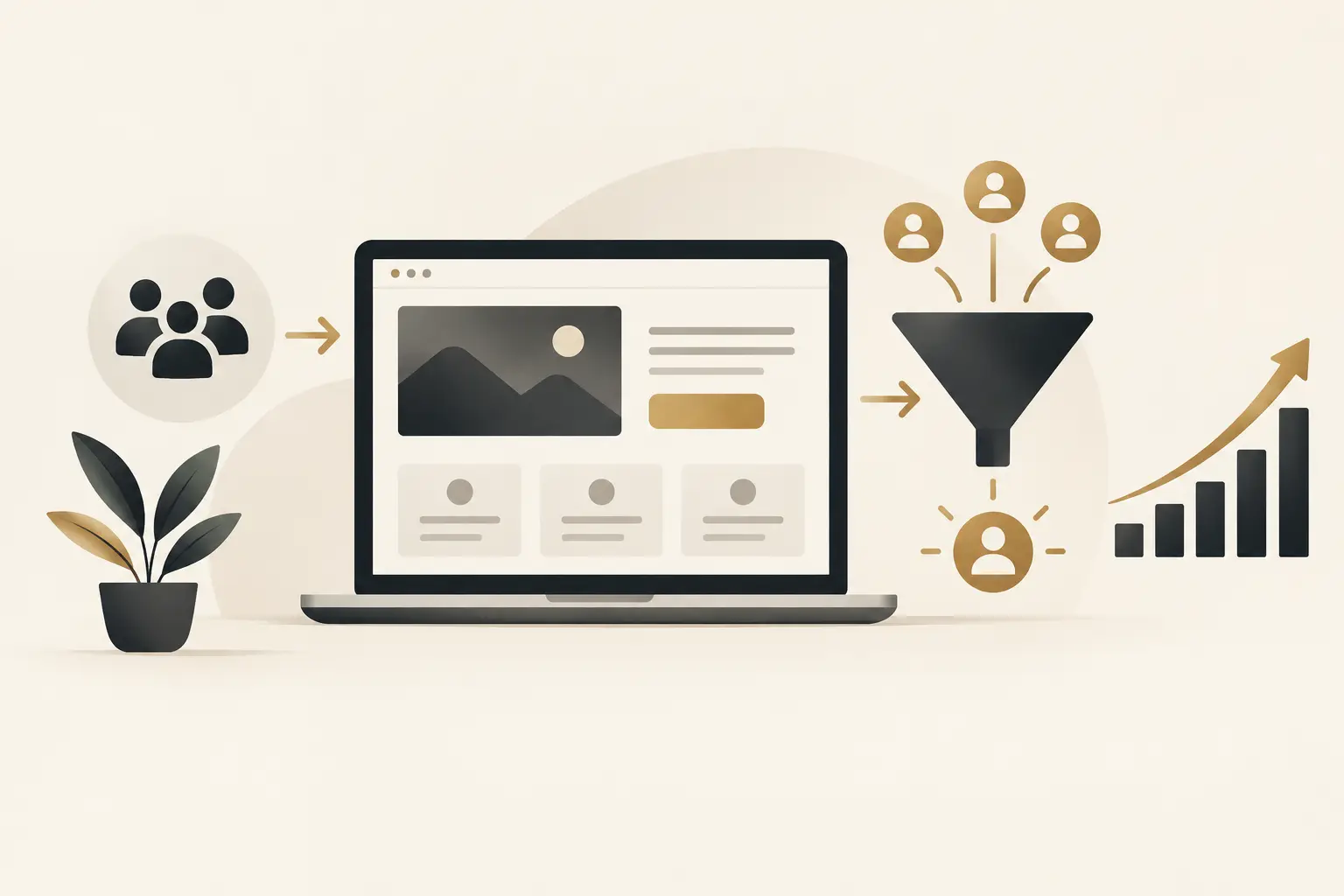
For established service businesses, conversion is rarely one button click. It is a chain: a prospect arrives with a need, finds a relevant service, sees enough proof to act, submits an inquiry or calls, and enters a process that moves them toward an appointment or sale. A weak point anywhere in that chain can make good marketing look ineffective.
Start With the Conversion You Actually Need
A higher conversion rate is only valuable when it produces the right kind of opportunity. A form that attracts unqualified requests, job seekers, vendors, or price shoppers may improve a dashboard metric while adding work for your team.
Define the primary action for each important page. For one business, that may be booking a consultation. For another, it may be calling a location, requesting an estimate, or submitting project details. The action should match the visitor’s buying stage and the complexity of the service.
A visitor researching a major service purchase may not be ready to schedule immediately. Asking for a consultation can still work, but the page must explain what happens next, who the conversation is for, and why it is worth their time. A visitor with an urgent, simple need may prefer a visible phone number and a fast answer instead.
The useful measure is not just form submissions. Track the progression from inquiry to qualified lead, appointment, opportunity, and customer where possible. This reveals whether a page is attracting real demand or simply generating activity.
Improve Website Conversion Rate by Reducing Friction
Friction is any point where a ready prospect has to work too hard to understand, trust, or contact you. It is often created by ordinary decisions: vague headlines, crowded navigation, forms that ask too much, or a call to action that leads to an unclear next step.
Lead With the Customer Problem and Your Fit
Your opening message should help visitors answer three questions quickly: Is this for me? What outcome or problem does it address? What should I do next?
Statements such as “solutions for your business” or “exceptional service” do not give a prospect enough to work with. Specific language does. Describe the service, the type of business or situation it fits, and the practical result it is intended to support.
For example, a page for a CRM and follow-up implementation should not lead with software features alone. It should make clear that the work is designed to help teams capture inquiries, organize lead stages, assign ownership, and follow up consistently. The platform matters, but the operating result is what a buyer evaluates.
Specificity can narrow the audience, and that is often a benefit. A service page does not need to persuade everyone. It needs to help appropriate buyers recognize that a conversation is worthwhile.
Give Each Page One Primary Next Step
Too many competing calls to action create hesitation. If a page asks visitors to call, chat, subscribe, download, watch, request a quote, and schedule a meeting all at once, the page is handing them a decision they did not ask to make.
Choose one primary action based on the page’s purpose, then support it with secondary options only where they genuinely serve different visitor preferences. A high-intent service page might prioritize a consultation request while keeping a phone option available for visitors who want immediate contact.
The wording matters. “Submit” says little about what follows. “Request a project consultation” or “Schedule a website review” gives the action context. The confirmation experience should do the same. Tell people their request was received, when they can expect a response, and whether they should take another step.
Ask for Enough Information, Not Every Detail
Long forms can discourage prospects, but short forms are not automatically better. The right form collects enough information to route and prepare for the inquiry without turning the first interaction into an intake meeting.
For a straightforward service, name, contact information, and a concise description of the need may be enough. For a complex implementation, a few targeted questions about goals, timelines, current systems, or service needs can help your team respond intelligently.
The tradeoff is clear: fewer fields can increase submissions, while better qualification can reduce time spent on poor-fit conversations. Test the form against the capacity and sales process you actually have. If every inquiry needs manual screening, a slightly more thoughtful form may create a better outcome than chasing a raw conversion percentage.
Make Trust Easy to Verify
Many visitors do not convert because they lack confidence, not because they lack interest. They may be comparing providers, wondering whether your business understands their situation, or trying to determine whether the next step will involve pressure or wasted time.
Trust signals work best when they answer real questions. Explain your process in plain language. Show the services you provide and where the handoff between services occurs. Include approved examples of work, documented case-study facts, team information, and clear expectations for communication.
Avoid broad claims that cannot be supported. A promise of more leads or revenue may sound appealing, but it creates skepticism when the page does not explain the work, variables, and responsibilities involved. A more credible message explains how a conversion-focused website, local visibility, lead routing, follow-up, and measurement can work together while acknowledging that results depend on the offer, market, sales process, and execution.
Pricing can also influence trust, though the right approach depends on the service. Fixed-scope work may benefit from clear starting points or defined packages. Custom software, complex integrations, and enterprise projects often need discovery before a responsible scope can be set. In those cases, explain what affects scope rather than hiding behind generic language.
Treat Speed to Lead as Part of the Website
A conversion does not end when a form is submitted. If a prospect waits until the next business day for an acknowledgment, calls an unanswered number, or receives a generic reply with no clear owner, the website has not completed its job.
This is where many businesses have a gap between marketing and operations. The site creates interest, but inquiries land in an inbox without routing rules, reminders, scheduling options, or visibility into whether anyone followed up.
Connect your website forms, calls, chat conversations, and appointment requests to a system that assigns responsibility and records the next action. A CRM can provide that structure, but the process should come first. Decide who receives each lead type, how quickly they should respond, what information they need, and what happens if the first outreach gets no reply.
Automation can help with immediate confirmations, lead assignment, reminders, and consistent follow-up. It should not become an excuse for impersonal communication. A prompt, relevant human response is still especially valuable for high-consideration services. AI chat or reception tools may help capture and qualify inquiries outside business hours, but they need clear guardrails, accurate service information, and an escalation path for questions they cannot answer.
Measure the Journey, Not Just the Page
Website analytics can show where visitors enter, what they view, and which actions they take. That is useful, but a button-click event is not the same as a business result.
Set up measurement around meaningful actions: submitted forms, tracked calls, scheduled appointments, qualified inquiries, and closed customers when your systems allow it. Use consistent source tracking so the team can see whether an inquiry came from organic search, paid campaigns, referrals, social content, or direct traffic.
Review the data alongside real conversations. If a page receives traffic but generates little contact, investigate the message, offer, call to action, and user experience. If it generates plenty of inquiries that do not qualify, review the audience, service explanation, form questions, and traffic sources. If qualified leads arrive but appointments remain low, the issue may be response speed or sales follow-up rather than page design.
Technical diagnostics also have a place. Mobile usability, page speed, broken forms, and tracking errors can all affect the experience. But a strong technical score is not proof that a page will rank, earn citations, or generate customers. It is one part of making the customer journey dependable.
Improve in Focused Cycles
Conversion improvement works best as a disciplined series of changes, not a full redesign every time performance is disappointing. Start with the pages closest to revenue or the pages receiving meaningful qualified traffic. Form a clear hypothesis, make a focused change, and give the team enough time and data to evaluate it.
You might clarify a service-page headline, simplify a form, add a scheduling path, improve mobile call visibility, or connect an inquiry form to a structured follow-up workflow. Changing every element at once makes it difficult to understand what helped and what did not.
The Montoya Group approaches this work as a connected customer journey: attract relevant demand, capture inquiries, route leads, follow up consistently, and measure what happens next. The website should support that system, not sit apart from it.
A better conversion rate begins with a practical question: when the right prospect is ready to act, what could stop them? Fix that obstacle first, then make sure your team is ready to carry the conversation forward.
Calculate conversion rate with a consistent definition
Conversion rate is the number of defined conversions divided by the relevant visits or users, multiplied by 100. For illustration only, 10 qualified inquiries from 500 relevant visits would be 2%. This is an arithmetic example, not a Montoya client result or an industry benchmark.
Keep the denominator and conversion definition consistent. A click on a phone link, a completed call and a qualified inquiry are different events. Review channel, device and service-page segments alongside the overall rate before deciding what to change.
For inquiry forms, W3C’s forms tutorial recommends clear labels, instructions and feedback. Test whether a visitor can submit successfully and understand the confirmation. An analytics event firing does not prove the team received the inquiry.
Buyer questions about conversion improvement
Do we need a redesign or a focused improvement?
Start with the largest verified obstacle. A clear site with unreliable inquiry routing may need integration work; a confusing service offer may need page structure and messaging. Our website design buyer guide explains how to scope that decision.
How should a small site test changes?
Use a specific hypothesis, document the baseline and review real inquiry quality. Low traffic can make small differences unreliable, so do not announce a winner from a handful of visits or change many variables at once.
Find the next useful conversion improvement
Start a website conversion conversation with The Montoya Group. Bring your priority service page, the action you want buyers to take and what happens after they act. We can help identify whether the constraint is the page, the inquiry path or the follow-up process.