01 · Workflow automation
Connect a trigger to a repeatable process.
Define what starts a workflow, which conditions matter and what should happen next. Replace repeated manual coordination with an agreed sequence of actions.

Workflow automation · Lead routing · CRM automation
Turn repeated handoffs into a connected workflow.
Connect the steps between a new inquiry and the next action in your CRM. The AI Automation Package brings workflow automation, lead routing and CRM automation together around a defined process, helping your team spend less time moving information and more time moving work forward.
$997 one-time setup · 12-month default term
Your workflow scope, integrations and any usage costs are confirmed before activation. See complete pricing & scope

A clearer process behind the activity
Automation is useful when the process is clear. We connect agreed triggers, routing rules and CRM actions so the next step does not depend on someone remembering to move information by hand.
Define what starts a workflow, which conditions matter and what should happen next. Replace repeated manual coordination with an agreed sequence of actions.
Use agreed information and ownership rules to direct leads through the supported process. Define a fallback for incomplete or unexpected requests.
Configure supported CRM actions around the way your team operates. Agreed updates and handoffs help reduce repeated data entry and clarify the next step.
Setup includes configuration, implementation, launch support and guided handoff. The monthly subscription adds platform access, optimization, support and growth-system management.
Explore the workflow relay
Choose an example and watch the signal move through four stages. This illustration explains a possible workflow; it does not run an automation or change CRM records.
An event starts the process
Current stepConditions shape the path
Next stepThe request finds its next stop
Next stepThe CRM follows the agreed rule
Next stepA new sales inquiry enters the agreed workflow.
Help an inquiry move through a consistent process with fewer manual handoffs.
Examples depend on the supported tools and agreed implementation. Outcomes are not guaranteed.
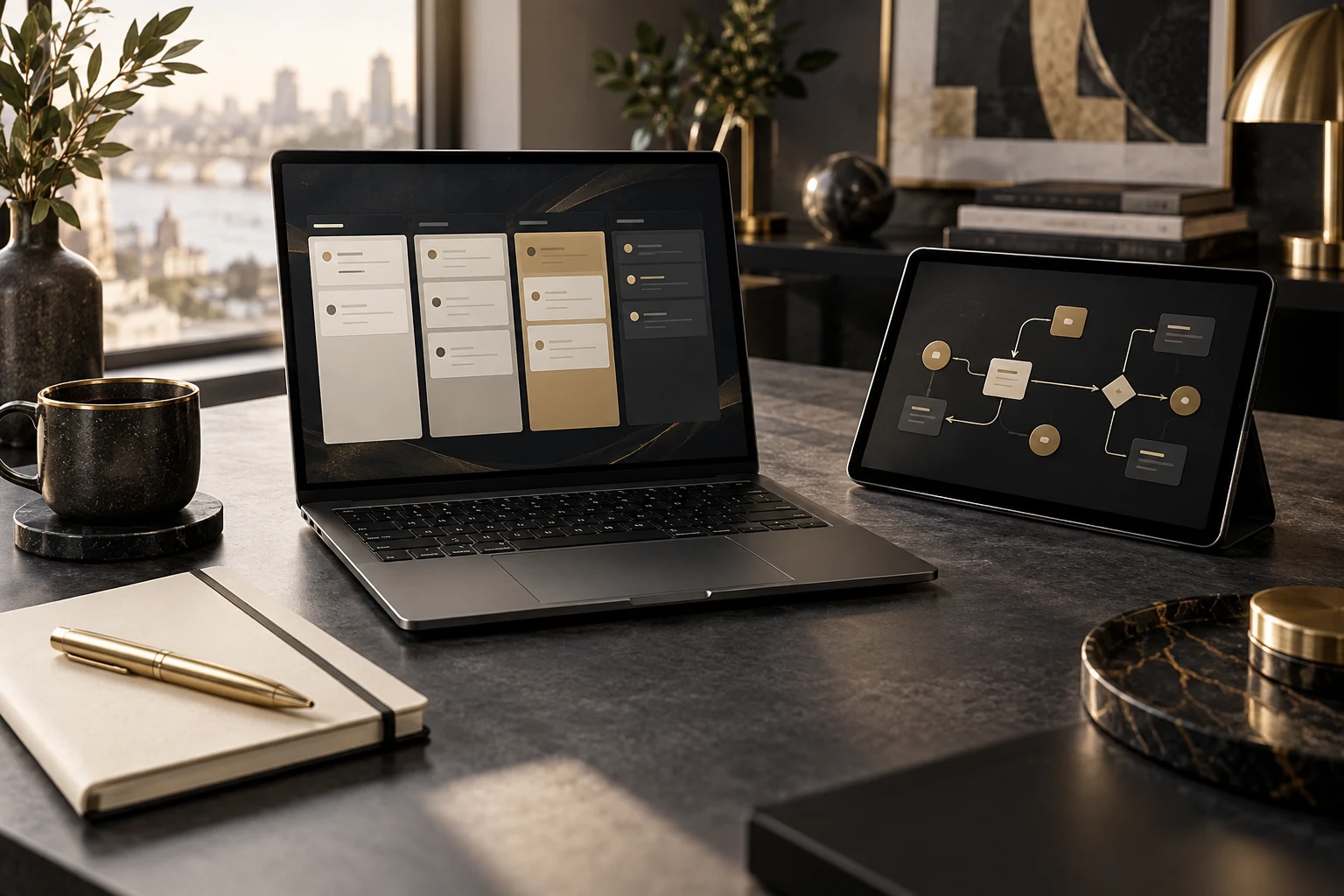
For businesses with repeatable processes and growing handoffs
When your team repeatedly moves the same information between tools or decides who should handle an inquiry, a defined workflow can remove avoidable manual steps. Start with a process that is clear enough to explain, test and improve.
Delivered by The Montoya Group, a family-built growth systems studio based in Las Vegas.
A clear route to launch
We start with the business process and confirm the supported connections before activation. You know what triggers the workflow, what it changes and what still needs your team.
Identify the repeated task, lead sources, current tools, process owner and desired next step.
Agree triggers, conditions, actions, integrations, exception handling and acceptance criteria.
Configure the agreed process and test representative paths, missing information and unexpected inputs.
Activate the tested workflow with launch support and guided handoff. Review performance against the agreed process and scope.
The listed package includes workflow automation, lead routing and CRM automation. Workflow count, complexity, supported integrations and any AI steps are agreed before activation. Custom software, migrations, extra integrations and usage charges are scoped separately. Messaging actions require an approved sending setup and appropriate permissions.
Know what you’re choosing
Choose AI Automation Package for workflow automation, lead routing and CRM automation. We confirm the process, supported tools, workflow boundaries and acceptance criteria before activation.
AI Automation Package
Third-party fees, usage charges and approved add-ons are separate. Review the subscription terms and your agreed scope before purchasing.
Bring one process your team repeats, the tools involved and the points where work gets delayed. We’ll help you assess what to automate and where human review should stay.
Talk through your fitAnswers before you commit
The AI Automation Package is The Montoya Group’s workflow and CRM automation implementation service. It includes workflow automation, lead routing and CRM automation, configured around an agreed business process.
The package is $297 per month plus a $997 one-time setup fee, with a 12-month default term. The current checkout shows $1,294 initially for setup and the first month. Third-party fees, usage and approved add-ons are separate.
It can connect an agreed event to a sequence of actions, such as routing a new inquiry or updating a CRM record. We define triggers, conditions, actions and exceptions before implementation. The examples on this page illustrate possible configurations, not a fixed list of included integrations.
Routing uses agreed criteria to determine where a lead should go. During setup we define the required information, ownership rules and fallback for records that do not match a rule. Supported fields, destinations and integrations are confirmed in scope.
CRM automation uses configured rules to perform agreed record or workflow actions. Depending on the supported system and scope, examples may include updating a field, assigning ownership or preparing a task. We test the selected actions with your process before activation.
No. Many repeatable business tasks are best handled by clear rules. We assess where an AI step is appropriate and confirm its purpose, data access, review requirements and cost before including it. The package does not imply that every action uses a language model or makes autonomous decisions.
We review your CRM, lead sources and available connections before confirming compatibility. Custom integrations, migrations and additional software are not automatically included. Access and implementation responsibilities are agreed before work begins.
The catalog does not specify a fixed workflow count or unlimited implementation. We agree the number, complexity, integrations and acceptance criteria for your package before activation.
AI call answering, appointment scheduling and FAQ handling are listed in the separate AI Receptionist product. This package focuses on workflow automation, lead routing and CRM automation.
Setup includes configuration, implementation, launch support and guided handoff. The monthly subscription includes ongoing platform access, optimization, support and growth-system management. The agreed scope defines responsibilities and any additional work.
Make the next step part of the system
Choose AI Automation Package, or talk with us about the repeated tasks, lead handoffs and CRM actions you want to improve.
$297/month + $997 setup · 12-month default term
Cookie preferences
Choose which optional tools to enable. Essential cookies remain active, and you can change these settings anytime.
Security, core site functions, and remembering your privacy choices.
Keeps Atlas live chat and other optional site features available.
Measures anonymous page visits and site speed to improve our pages and predict which page to load next.
Supports advertising measurement and personalization where used.
Your browser’s Global Privacy Control signal is active. Marketing remains disabled.