01 · Branded design
Make the information feel organized.
Bring layout, visual hierarchy and brand styling together so readers can identify sections and understand what matters.

Interactive PDF design · Information with a clear next step
Turn your document into a clearer reader experience.
Make your information easier to navigate, complete and share. Interactive PDF Design brings branded presentation and appropriate interactive or fillable fields into a document built around what your reader needs to do.
Branded design · Interactive fields · Export files
Content volume and functionality are confirmed before production. See deliverables and scope
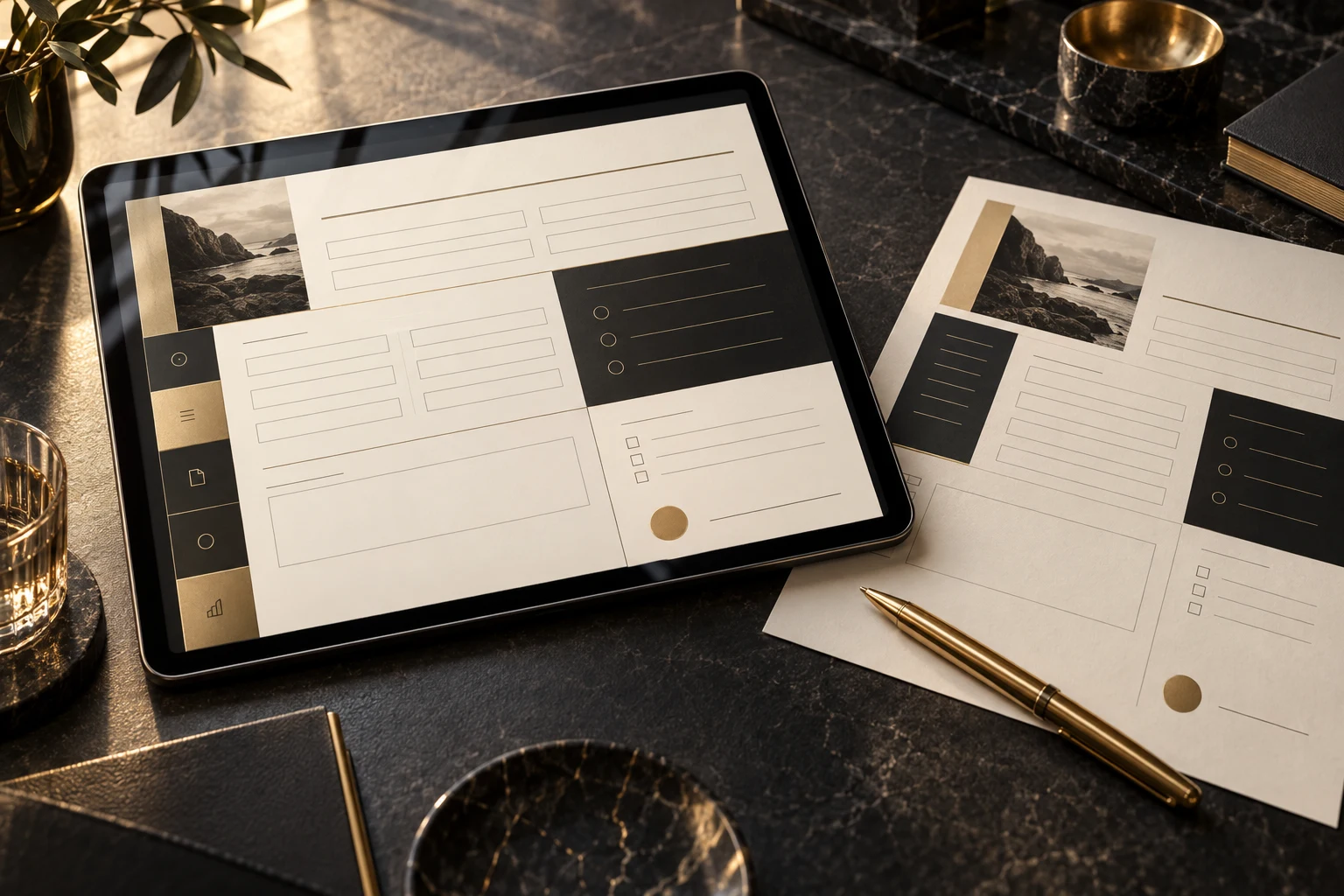
Design that supports the task
A document should help people understand what matters and what to do next. We organize the presentation and agreed interactions around that purpose, from finding a section to completing a field.
Bring layout, visual hierarchy and brand styling together so readers can identify sections and understand what matters.
Use agreed interactive or fillable elements to support navigation or completion. Choose features for the document’s actual task and viewing environment.
Receive the final export files for the agreed document. Review the intended viewing, completion and sharing workflow before delivery.
The Document Journey
Explore this browser-based example: navigate the sections, add sample details and review them. It demonstrates a reader journey without collecting or submitting information.
START HERE
A branded document can give the reader context, organize the information and point toward the next action.
COMPLETE THE DETAILS
These read-only fields use fictional sample information. Select the button to demonstrate completion.
REVIEW THE INFORMATION
Bring the key information into one place so the reader can check it. This demo does not send or save anything.
Add the sample details to complete this example.
Clear sections and navigation give the information a structure the reader can follow.
This is an HTML illustration, not a downloadable PDF. Actual PDF features and behavior depend on the agreed scope and viewing environment. Progress and review behavior are examples, not automatically included advanced functionality.

For documents people need to use
A clear visual hierarchy and purposeful interaction can make a document easier to work through. Whether it is an intake form, worksheet or guide, the design should support the reader’s task and reflect your brand.
Created with The Montoya Group, a family-built growth systems studio based in Las Vegas.
From content to a usable document
We begin with your content and the task readers need to complete, then agree the document scope, interaction requirements and intended viewing environment.
Review your content, brand assets and how the document will be used. Confirm page volume and functionality.
Organize the pages, hierarchy and agreed navigation around the reader’s needs.
Configure the agreed fields and interactions. Review their behavior in the intended viewing environment.
Approve the final content and receive the agreed export files with a clear understanding of their intended use.
This package covers branded design, interactive or fillable fields as appropriate, and final export files. Page count, field count, advanced functionality, revisions and delivery timing are agreed before production. A PDF does not automatically include data collection infrastructure, signatures or CRM integration.
A focused digital asset
Choose a document designed around your brand, content and reader journey. We confirm content volume and advanced functionality before production.
Interactive PDF Design
Confirm content volume, fields, viewing environment and advanced functionality before purchasing. Additional requirements need an agreed scope. Terms of use.
Bring your current file, approved content and the actions you need readers to take. We’ll help clarify the right scope.
Talk through your document ↗Answers before you commit
The package includes professional branded design, interactive or fillable fields as appropriate, and final export files. Content volume and advanced functionality are confirmed before production.
The package costs $399 one time. We confirm the document length, field requirements and agreed functionality before production. Additional scope requires agreement.
An interactive PDF can include elements such as fillable fields and navigation links that help a reader move through or complete a document. The exact features are chosen for your use case and agreed before production.
Potential uses include intake documents, questionnaires, worksheets, guides and other branded materials that readers need to navigate or complete. We review your content and intended reader experience to confirm fit.
The published package does not specify a page or field count. Content volume and required functionality are confirmed before production so the project has a clear scope.
Bring your approved text, existing document, brand assets and the information you need readers to provide or find. We clarify any content preparation needs in the scope; full copywriting is not expressly included.
PDF features can behave differently across browser previews, mobile apps and desktop readers. We agree the intended viewing environment and review the relevant interactions there. Universal compatibility is not promised.
Advanced functionality needs a scope review. Electronic signature workflows, calculations, data submission and CRM connections are not automatically included in the listed package. A fillable PDF is not itself a connected application.
You receive final export files for the agreed document. We confirm delivery formats and any requirements for future updates. Editable design source files are not expressly listed.
No. It is a browser-based illustration of a document journey using example information. It shows navigation, field completion and review without collecting or submitting data. Your final PDF features follow the agreed scope and supported viewing environment.
Make the document work for the reader
Bring your content, brand and reader journey together. Choose Interactive PDF Design or talk with us about the document you need.
$399 one time · Branded design, interactive fields and export files
Cookie preferences
Choose which optional tools to enable. Essential cookies remain active, and you can change these settings anytime.
Security, core site functions, and remembering your privacy choices.
Keeps Atlas live chat and other optional site features available.
Measures anonymous page visits and site speed to improve our pages and predict which page to load next.
Supports advertising measurement and personalization where used.
Your browser’s Global Privacy Control signal is active. Marketing remains disabled.