Manual Follow-Up vs. Automation: A Practical Comparison
Compare manual follow-up vs automation by task, context and implementation needs. Build a workflow with clear owners, stop rules and human handoffs.
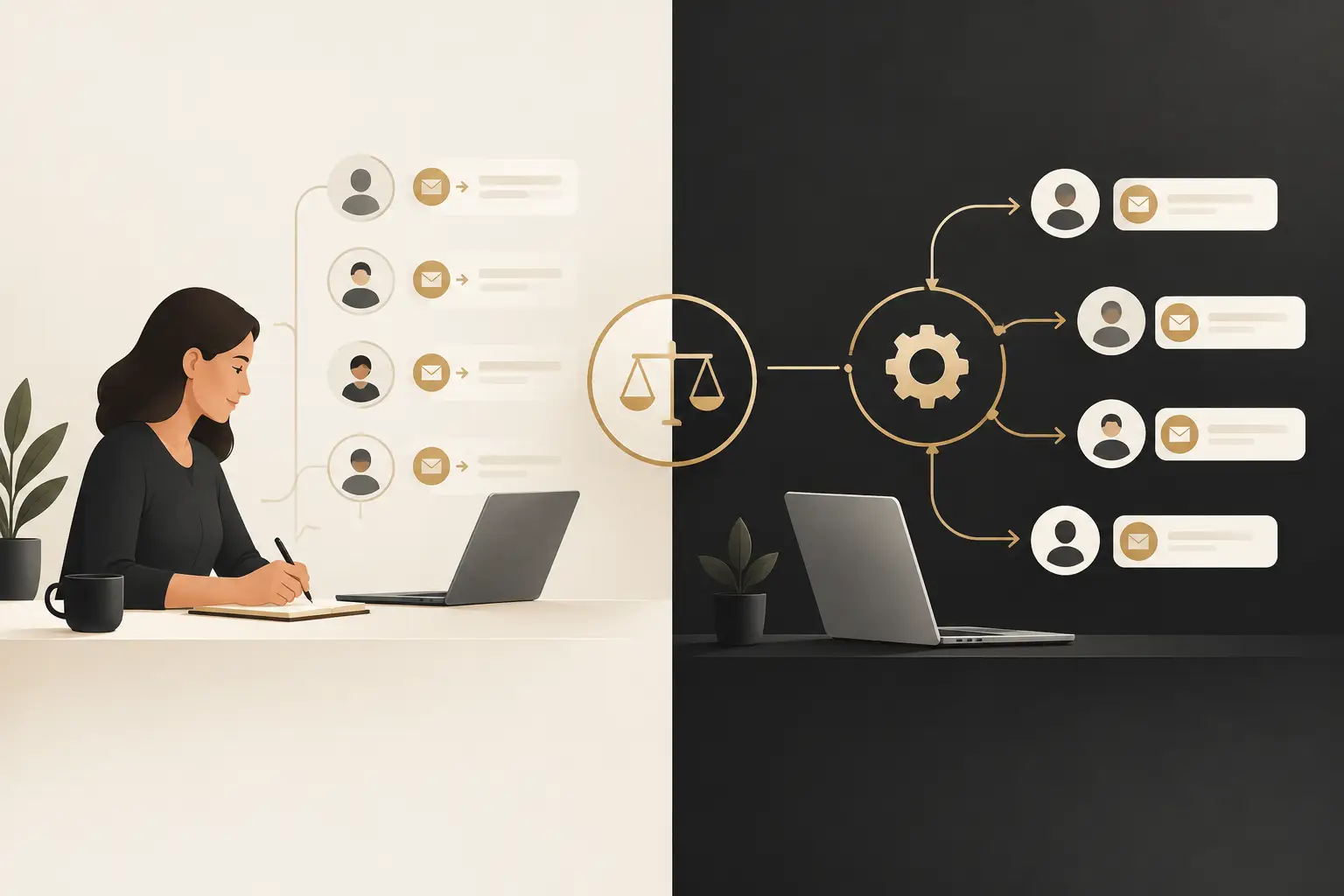
Use manual follow-up for interpretation, relationship-building and exceptions; use automation for agreed acknowledgments, assignment, reminders and routine tasks. A hybrid workflow works only when replies, bookings and opt-outs change the next action and a person owns unresolved exceptions.
For established service businesses, inconsistent follow-up creates more than administrative frustration. It weakens the return on website, SEO, advertising, referral, and local-search investments. If inquiries are not captured, routed, and answered with appropriate context, a strong demand-generation effort can still produce a weak sales pipeline.
The best answer is usually a connected process: automate the repeatable steps that protect speed and consistency, then involve people where qualification, trust, or a nuanced decision is needed.
Manual Follow Up vs Automation: The Real Tradeoff
Manual follow-up gives your team discretion. A capable coordinator or salesperson can recognize a high-value opportunity, respond to an unusual request, and adapt the conversation based on what a prospect says. That flexibility matters when services are complex, a buyer has several stakeholders, or the right next step depends on details that a form cannot capture.
The weakness is variability. A manual process depends on someone seeing the inquiry, understanding its source, remembering the next action, and completing it on time. It can work well with a small volume of clearly assigned leads. It becomes less dependable when call volume rises, staff members are busy, or requests arrive outside normal hours.
Automation handles the actions that should happen every time. It can acknowledge an inquiry within minutes, create a contact record, assign an owner, send a scheduling option, and notify the right team member. This does not replace a sales conversation. It prevents basic operational gaps from deciding whether that conversation ever happens.
The practical tradeoff is simple: manual work is adaptable but difficult to standardize at scale. Automation is consistent but only as thoughtful as the process behind it. A poorly designed workflow can send irrelevant messages quickly. A well-designed workflow gives your team a cleaner handoff and more time for the conversations that require expertise.
Where Manual Follow Up Still Wins
Personal follow-up should lead when the prospect needs reassurance, interpretation, or a tailored recommendation. A business owner requesting a high-consideration service is not looking for a sequence of generic reminders. They need confidence that someone understood the request and can guide the next decision.
Manual outreach is also better for exceptions. Consider a lead who has an urgent timeline, an incomplete request, a referral relationship, or a question that falls outside a standard service path. An automated acknowledgment can still be useful, but the next contact should show judgment. A generic message that ignores the stated concern can feel careless, even if it was delivered quickly.
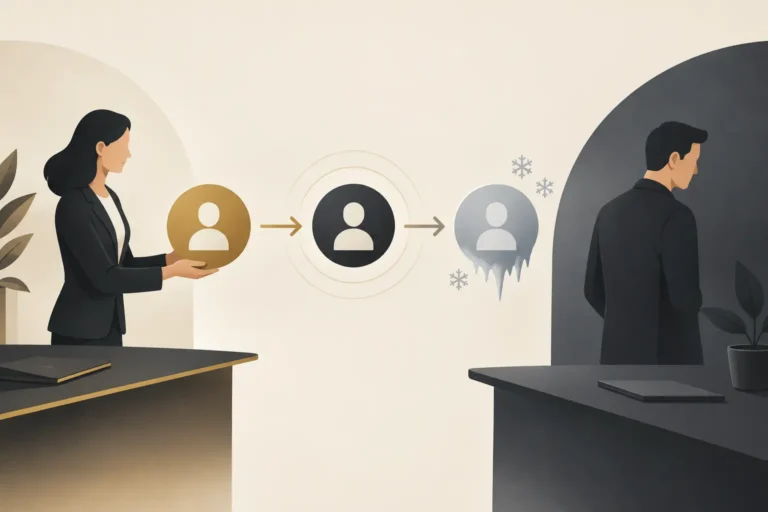
Sales teams should also retain control at key transition points. After a discovery call, proposal review, or objection, a personalized follow-up can reference the prospect’s priorities and define a specific next action. These are moments where context matters more than cadence.
That does not mean every manual message must be written from scratch. Teams can use approved templates, call notes, and reminders while keeping the final communication relevant to the buyer. The goal is not to make people perform repetitive work. It is to reserve human attention for work that benefits from it.
Where Automation Protects Revenue Operations
Automation is most valuable where delays and omissions are common. The first response to a web form is a clear example. A prospect should receive confirmation that the inquiry was received, an expectation for what happens next, and, when appropriate, a way to schedule a conversation. At the same time, the lead should be recorded and assigned so ownership is visible.
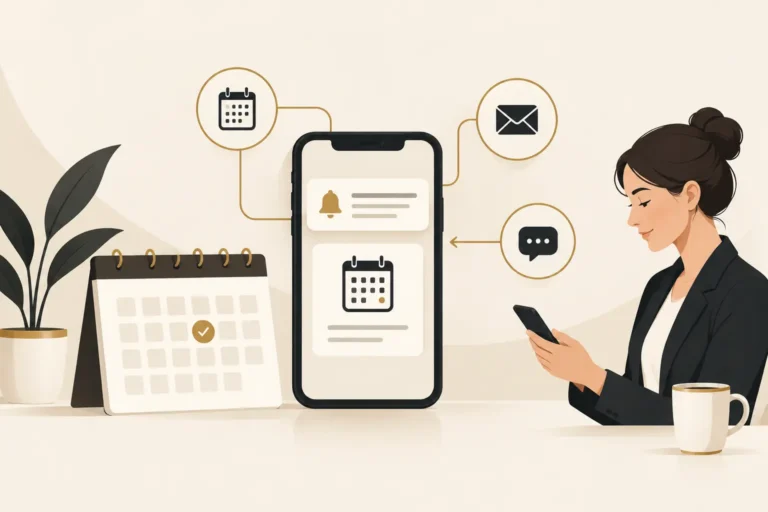
It also helps with follow-up after missed calls. A missed call is not always a lost opportunity, but it becomes one when no one knows it happened or the return call occurs too late. A workflow can log the event, alert the assigned team member, and send a concise acknowledgment that invites the caller to reply or book a time.
Other dependable uses include appointment reminders, no-show recovery, post-appointment task creation, review requests after an appropriate service milestone, and re-engagement for leads that have not responded. These are not glamorous processes. They are the small, repeated actions that keep a pipeline moving.
Automation should not be confused with indiscriminate messaging. The right workflow uses conditions. It recognizes whether a person is a new inquiry, an existing customer, an active opportunity, or someone who has already booked. It stops or changes messages when a person replies, schedules, opts out, or moves to a new stage. Without those rules, automation creates duplicate touches and internal confusion.
Build the Workflow Around the Customer Journey
Before selecting tools or writing messages, map the path from inquiry to customer. Start with the entry points that create demand: calls, forms, chat, scheduling pages, direct messages, referrals, and local listings. Then define what must happen after each one.
For each entry point, answer four operational questions: Who owns the lead? What response is appropriate? How quickly should it happen? What event proves the next step occurred? The last question is often missed. A notification is not proof of follow-up. A logged call, reply, booked appointment, or completed task is more useful evidence.
From there, separate immediate actions from decision-based actions. Immediate actions are good automation candidates because they are repeatable and time-sensitive. Decision-based actions should create tasks, alerts, or structured prompts for a person. For example, a new form inquiry might receive an immediate confirmation and create a task for a coordinator to review service fit. A qualified inquiry might trigger a booking invitation, while an inquiry outside the business’s service area could be routed for a different response.
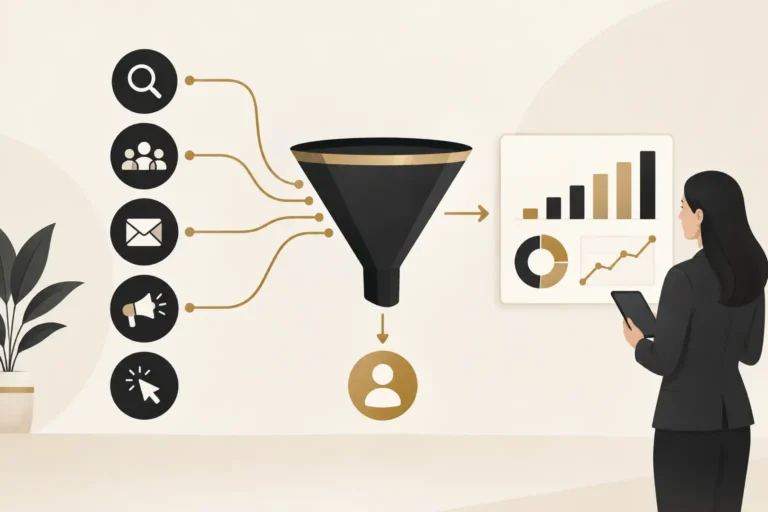
This structure also improves attribution. When a contact record captures source, campaign, service interest, and lifecycle stage, owners can see more than total lead volume. They can review which channels generate qualified conversations, which handoffs stall, and where follow-up time is being lost.
Common Failure Points to Avoid
The most common problem is automating before the underlying process is defined. Software cannot resolve uncertainty about who follows up, what counts as qualified, or when sales should take over. It simply moves that confusion faster.
Another failure is overusing generic nurture sequences. A prospect who asks for a specific service should not receive a month of broad promotional messages before anyone addresses the question. Keep early communication useful, brief, and connected to the reason the person reached out.
Businesses also need clear boundaries between marketing messages and service communication. Appointment confirmations and direct responses to an inquiry serve a different purpose than promotional outreach. Consent, message frequency, opt-out handling, and recordkeeping should be built into the process, not added after launch.
Finally, avoid treating implementation as a one-time project. Pipelines change. Staff responsibilities shift. New lead sources appear. Review the workflow regularly using real records, not assumptions. Look for unanswered inquiries, duplicate records, overdue tasks, unassigned leads, and stages where opportunities tend to stop moving.
A Better Standard for Measuring Follow Up
Measure whether the system creates accountable action, not whether it sends a high number of messages. Useful operational measures include first-response time, percentage of inquiries assigned to an owner, contact rate, appointments booked, show rate, follow-up completion, and time spent in each pipeline stage.
These measures do not guarantee revenue. They do show whether the business is consistently giving qualified prospects a timely path forward. Paired with source and outcome data, they help leaders decide where to improve the website, staffing, scripts, qualification rules, or automation logic.
The Montoya Group approaches this work as a connected customer journey, where the website, CRM, scheduling, lead routing, and follow-up process support one another instead of operating as separate tools. The right scope depends on your sales process, existing software, team capacity, and the level of customization required.
A good follow-up system should feel calm to the customer and manageable to the team. If your people are spending their day copying contact details, chasing unassigned leads, or trying to remember who needs a response, start there. Automate the routine handoffs, preserve human judgment where it builds trust, and make every inquiry’s next step clear.
Decide task by task instead of choosing one model
| Task | Practical starting choice | Check before launch |
|---|---|---|
| Confirm receipt of a form | Automation when suitable | Message reflects the request and actual response window |
| Assess an unusual request | A responsible person | Full inquiry context reaches that person |
| Remind an owner to respond | Automation | Overdue work reaches a monitored fallback |
| Address a proposal objection | Personal follow-up | Reply reflects the buyer's stated concern |
| Stop a sequence after a booking | Automation | Confirmed appointment event stops conflicting outreach |
| Handle an opt-out or unclear reply | Defined suppression or human review | No continued sequence that ignores the response |
Templates can support people without taking away judgment. Conversely, a workflow can create internal tasks without sending a marketing message. Choose the smallest reliable action that helps the next customer step.
What should we automate first?
Choose a repetitive handoff with a clear trigger, required information, owner and stopping condition. Test one normal case and one exception before expanding. The W3C forms guidance is useful when the trigger begins with a website inquiry.
Does automation require replacing our CRM?
Not necessarily. An integration or a focused process change may be enough. Compare access, data quality, supported connections and ongoing ownership before committing to migration.
Define your next workflow around a real bottleneck
Review your follow-up requirements with The Montoya Group. Explore the AI Automation Package or Growth OS as appropriate to your current system and agreed scope.
Illustrative artwork; not a live product interface, client result or staff photograph.