AI Receptionist Costs: Pricing, Setup and Usage
Understand AI receptionist costs, including a verified $297/month package example, setup fees, usage, integrations and questions to ask before purchasing.

AI receptionist costs depend on subscription, setup, usage and integration scope. As one verified example, The Montoya Group lists AI Receptionist at $297 per month plus $497 one-time setup, with a 12-month default term. This is our offer, not an industry-wide price range; usage allowances and additional charges are confirmed before activation.
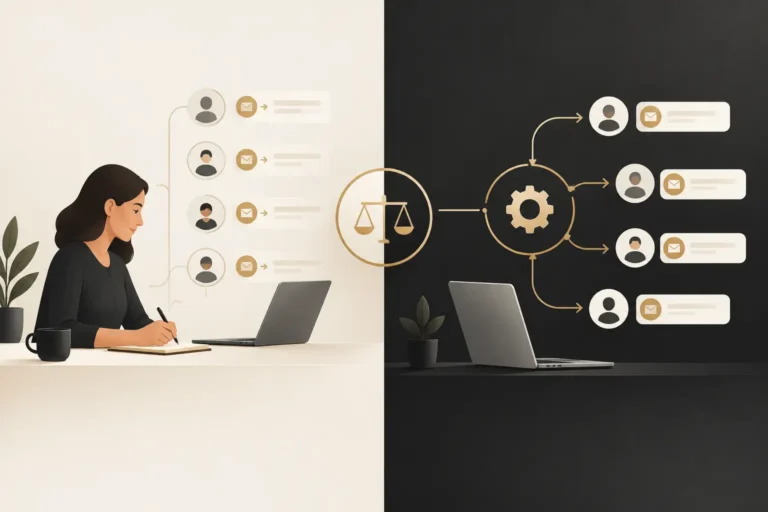
For established service businesses, an AI receptionist is usually part of a larger customer-handling system. It answers or responds after hours, captures inquiry details, qualifies the conversation, routes the lead to the right person, schedules when appropriate, and documents what happened. The value depends on whether those actions connect reliably to the team and tools that handle the next step.
What determines AI receptionist costs?
Most AI receptionist pricing is driven by scope. A simple call-answering setup with a few common questions costs less to configure and maintain than a system that qualifies multiple inquiry types, checks scheduling availability, updates a CRM, sends follow-up messages, and hands off nuanced conversations to a live team member.
The recurring cost generally reflects the technology itself, usage, and ongoing management. The initial cost often reflects discovery, conversation design, setup, testing, integrations, and launch support. Treating these as separate decisions makes proposals easier to compare.
Call and conversation volume
Some providers charge by minutes, calls, messages, or conversations. Others use a monthly allowance and charge more when usage exceeds it. This model can work well when your incoming volume is predictable, but it deserves attention if marketing campaigns, seasonal demand, or emergency calls create spikes.
Ask how the provider counts a conversation. A brief missed-call text response is not equivalent to a detailed multi-step call involving qualification, scheduling, and CRM updates. The unit of billing should match the work the system performs.
The number of workflows it supports
One workflow might be straightforward: answer calls, collect the caller's name and need, then notify the appropriate team member. A more complete setup may need different paths for new inquiries, existing customers, urgent requests, job applicants, vendor calls, and after-hours messages.
Each path requires decisions. What questions should be asked? Which answers require immediate escalation? Can the system offer an appointment? What happens when no appointment is available? Those details are where a receptionist becomes useful or becomes another source of confusion.
Integrations and data quality
An AI receptionist has more value when the information it captures reaches the systems your team already uses. That could mean a CRM contact record, a pipeline stage, a calendar, a notification channel, or an automated follow-up sequence.
Integration complexity can materially affect cost. A standard connection to an existing platform is different from custom work involving proprietary software, multiple locations, detailed permission rules, or unreliable source data. If your calendar, service list, intake fields, or lead ownership rules are not defined, setup will take longer because the AI is exposing an existing operational gap.
Setup, testing, and ongoing optimization
A prompt or script alone is not a production-ready receptionist. Before launch, the system should be tested against real situations: unclear callers, incorrect phone numbers, requests outside business hours, appointment changes, pricing questions, emergencies, and people who simply want to speak to someone.
Ongoing support also matters. Services, availability, promotions, office hours, and routing rules change. Someone needs ownership of those updates, a process for reviewing conversations, and a way to identify calls that were not handled as intended. Lower-cost tools can be appropriate for simple use cases, but they commonly place more of this responsibility on the business.
The main AI receptionist pricing models
AI receptionist offers usually fall into three practical models. Understanding the model is more useful than trying to compare a single advertised price.
A self-service software subscription gives your team access to the platform and expects you to write instructions, connect tools, monitor performance, and improve workflows. It can fit an operator with clear processes and internal time to manage the system. The apparent savings can disappear when setup is delayed or no one is accountable for improving it.
A managed implementation combines software with planning, configuration, testing, and ongoing assistance. This is often a better fit when the receptionist needs to work with existing sales, scheduling, or service operations. The price is higher because the provider is responsible for more than access to a tool.
Custom or enterprise work is appropriate when the system requires specialized integrations, advanced routing, multiple teams, a custom application, or more demanding compliance and security requirements. Costs are typically scoped around the work involved rather than offered as a simple standard package.
Budget for the system around the receptionist
The common budgeting mistake is to isolate the AI receptionist from the customer journey that follows. If the receptionist captures a promising inquiry but the lead sits unassigned for hours, the business has not solved its response-time problem.
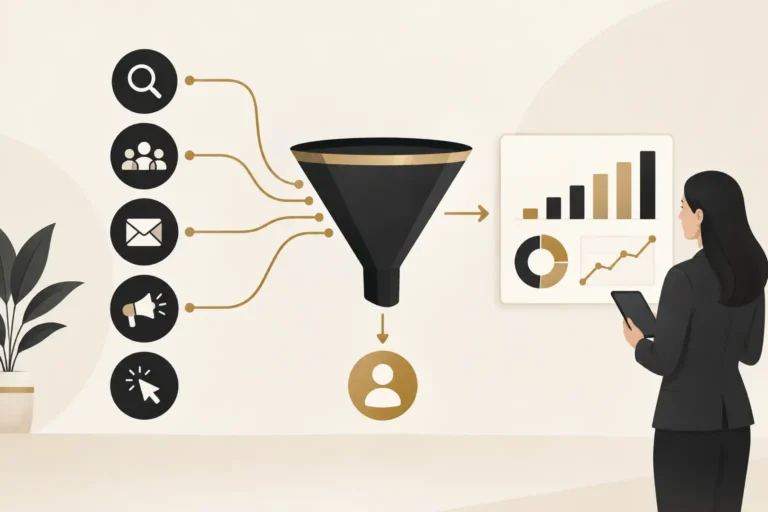
A practical budget should account for the customer path from first contact through the next action. That may include call handling, chat, lead qualification, CRM records, notifications, appointment scheduling, and follow-up. Not every business needs every component, and not every provider includes them in a single plan. The right scope depends on where inquiries are currently being lost.
For example, a business that already has a disciplined CRM and reliable sales follow-up may only need call coverage and routing. Another business may need a more connected implementation because calls, website forms, and chat messages are arriving in separate places with no consistent ownership.
When reviewing a proposal, ask whether the quoted scope includes the following:
- Initial discovery of call types, qualification rules, and handoff requirements
- Conversation design for common and exception scenarios
- CRM, calendar, phone, and notification integrations where needed
- Testing before launch and a plan for live-call review
- Defined usage limits, overage terms, and change-request process
- Ongoing ownership for updates, troubleshooting, and performance review
These questions do not require a technical background. They reveal whether you are purchasing a working operational process or only a piece of software.
What should a business measure after launch?
Do not judge an AI receptionist solely by how human it sounds. Voice quality matters, but operational reliability matters more. The useful measures are whether inquiries were captured, whether the right information was collected, whether urgent situations reached the right person, whether appointments were booked correctly, and whether the team followed up.
Start with a baseline. Review missed calls, abandoned inquiries, average response time, no-shows, booked appointments, and lead records that lack an owner. Then set a small number of operational goals for the first phase. For many teams, the first goal is simple: every legitimate inquiry receives a prompt response and enters a trackable workflow.
Call review is essential during the first weeks. Look for repeated caller questions, incomplete intake details, unsuccessful transfers, and situations where the system should have escalated sooner. Those findings become specific improvements rather than vague complaints that the AI “isn't working.”
When an AI receptionist is not the right first purchase
An AI receptionist is not a substitute for a broken sales process. If nobody can respond to qualified leads, the service offerings are unclear, or appointment availability is inaccurate, automation can magnify the problem.
It may also be the wrong fit for calls that require frequent expert judgment, highly sensitive conversations, or a relationship-first approach that callers expect to handle directly with a person. In those cases, AI can still support the team by collecting basic details, providing hours or directions, and routing efficiently, but it should not be asked to make decisions it cannot safely make.
The best use case is usually clear and bounded. The business knows which inquiries come in, what information matters, who owns the next step, and when a human should take over.
Choosing a partner, not just a platform
Before comparing AI receptionist costs, map five or ten recent inquiries from first call to final outcome. Note where they entered, who responded, how long it took, what information was missing, and whether a next step was booked. That exercise clarifies the real scope faster than a feature checklist.
The Montoya Group approaches AI reception as part of a connected customer journey: capture inquiries, route leads, follow up consistently, and give the team visibility into what happened. The appropriate scope should be confirmed against current requirements, integrations, and the level of ongoing ownership your operation needs.
A well-designed receptionist should make it easier for customers to reach you and easier for your team to act. Budget for that outcome, then choose the level of implementation and support that can sustain it.
A concrete AI receptionist cost example
The following figures are from The Montoya Group's AI Receptionist package, checked November 11, 2026. The current proposal, subscription terms and checkout govern the purchase.
| Cost component | Published package example |
|---|---|
| Monthly subscription | $297 |
| One-time setup | $497 |
| Setup plus first month | $794 |
| Default term | 12 months |
| Base cost across 12 months | $4,061: $297 × 12 + $497 |
| Usage, third-party charges and approved additions | Separate; confirm allowances and rates before activation |
The listed scope is AI call answering, appointment scheduling and FAQ handling, with configuration, implementation, launch support and guided handoff. Broader CRM automation, extra routing and other integrations are not automatically included. Review the AI Automation Package if those workflows are part of the requirement.
Are minutes or calls unlimited?
The package states no unlimited allowance. Ask how usage is counted, what is included, the overage rate and how usage is reviewed. Request a quote based on your own expected call volume rather than assuming the subscription is the total bill.
Does the package guarantee 24/7 answering or every calendar integration?
No universal coverage or uptime commitment is stated. The answering schedule, phone setup, calendar compatibility, supported information and fallback behavior are confirmed during scoping and tested before activation.
Compare cost against an observable operating requirement
Discuss AI receptionist fit and scope with The Montoya Group. Bring your current phone setup, approximate call volume, coverage hours and booking requirements. We can help determine the package and connections needed before you commit.
Illustrative artwork; not a live product interface, client result or staff photograph.